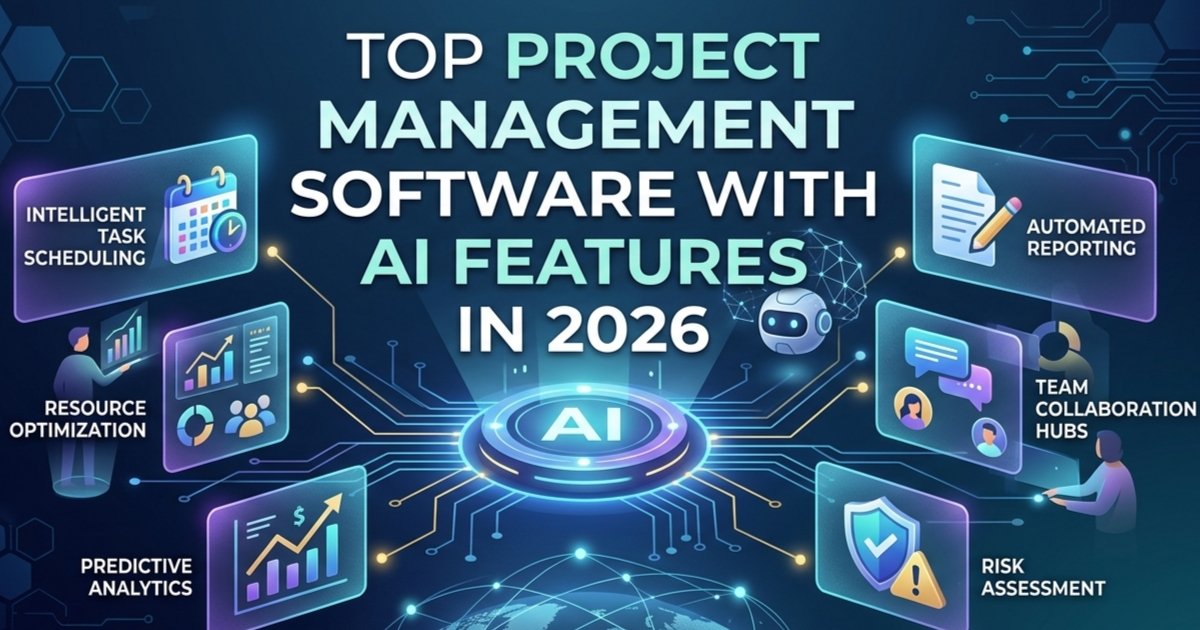
Artificial intelligence has quietly moved from buzzword to everyday reality in project management. Instead of spending hours on status reports, manual scheduling, or chasing risks, project managers can now lean on AI to automate routine work and surface insights they might otherwise miss. In 2026, almost every leading project management platform ships with some form of AI assistant, but the depth and usefulness of those features vary a lot from tool to tool.
In this article, we will look at some of the top project management tools that offer strong AI capabilities, what they actually do in real life, and when you should pick one over another.
Why AI in Project Management Matters
Before we dive into tools, it helps to clarify what “AI project management” really means. In most platforms, AI focuses on three main areas: automation, prediction, and assistance.
- Automation: AI helps you generate tasks from text, update fields, trigger workflows, and send notifications based on rules or natural‑language prompts.
- Prediction: Advanced tools use historical project data to predict schedule slippage, spot resource overload, and forecast profitability or risk.
- Assistance: AI can summarize long threads, create status updates, suggest next steps, or answer questions about your projects using your own workspace data.
The real value appears when these three come together: less manual admin work, earlier visibility into problems, and faster decision‑making for project managers and teams.
Top project management software with AI features
Here are some leading project management tools that already include strong AI features.
Top AI‑enabled PM tools
| Tool | Best for / focus | Notable AI features (examples) |
|---|---|---|
| Celoxis (AI Lex) | Enterprise PM, PMOs, portfolios | Predictive risk and delay analytics, natural‑language commands, scenario modeling, anomaly detection. |
| monday.com | Visual work management across teams | AI forecasting, risk assessment, automatic meeting summaries, AI summaries and task creation. |
| Asana Intelligence | Knowledge‑rich work graphs, cross‑team workflows | AI workflow automation, content generation, summaries, smart suggestions. |
| ClickUp + ClickUp Brain | All‑in‑one work hub (tasks, docs, goals) | Natural‑language task creation, AI summaries across tasks/docs, sprint planning help. |
| Wrike AI | Marketing, IT, Ops teams | AI work intelligence, some predictive analytics, smart automations. |
| Smartsheet | Scalable work & project management | AI‑driven dashboards, automation, AI‑assisted work management (varies by plan). |
| Jira + Atlassian Intelligence | Software and Agile teams | AI summaries of issues/pages, action‑item extraction, workflow suggestions, automation. |
| Epicflow | Multi‑project and resource management | Predictive analytics for delays, dynamic task prioritization, scenario simulation, capacity planning. |
| Motion / Morgen / Sunsama | Personal PM + scheduling | AI scheduling and daily planning, automatic prioritization and calendar‑task integration. |
| Notion AI / Taskade | Light PM plus docs/knowledge | AI writing, task generation, meeting note extraction, simple workflows. |
1. Asana – AI for Smarter Task Management
Asana remains one of the most popular project management tools and has invested heavily in its AI layer. Its AI features are designed to sit on top of already familiar boards, lists, timelines, and portfolios.
Key AI capabilities include:
- AI‑generated status updates that can draft project summaries from recent activity and comments.
- Workflow automation builders that let you design no‑code rules and have AI help with triggers and conditions.
- Smart suggestions for goals, fields, and project structures based on how similar teams work.
For teams that already like Asana’s interface, the AI layer feels like a natural extension rather than a separate tool. It is especially useful if you run multiple cross‑functional projects and need help keeping updates consistent and on time.
2. ClickUp – AI Brain for All‑in‑One Work
ClickUp positions itself as “one app to replace them all”, bringing tasks, docs, goals, and whiteboards into a single workspace. Its AI module, often referred to as ClickUp Brain, acts as an intelligent assistant that can see across these elements.
Notable AI features:
- Natural‑language task creation from a prompt or meeting notes.
- AI summaries for tasks, documents, and long comment threads.
- Help with sprint planning, backlog grooming, and prioritization.
- The ability to answer questions about your projects using your own workspace data as the knowledge base.
ClickUp is powerful, but can feel overwhelming for very small teams. It shines when you want a single system for everything from roadmaps to documentation and expect AI to help you navigate that complexity.
3. Monday.com – Visual Work Management With AI Automation
Monday.com focuses on visual work management with flexible boards that can represent anything from simple task lists to complex portfolios. Its AI assistant, often surfaced as an in‑app “sidekick”, helps with day‑to‑day work coordination.
Typical AI use cases on monday.com include:
- Generating item descriptions, updates, and checklists from short prompts.
- Suggesting automations to move items across stages, ping stakeholders, or create linked records.
- Forecasting workloads and timelines based on existing data in boards.
If your organization likes customizable boards and needs a gentle learning curve, monday.com offers a good balance of usability and AI power for both business and technical teams.
4. Wrike – AI for Speed and Risk Prediction
Wrike has long positioned itself as a collaborative work management solution for mid‑sized and large enterprises. Its AI features target speed and risk awareness.
Core AI capabilities include:
- AI‑assisted content creation for descriptions, briefs, and updates.
- Automation suggestions to streamline repetitive steps in your workflows.
- Predictive risk scoring on projects and tasks, helping teams focus on items likely to cause delays.
Wrike is a strong fit if your projects involve many dependencies, multiple departments, and a need for robust reporting with AI‑assisted risk insight on top.
5. Epicflow and Forecast – AI for Resource‑Heavy Portfolios
For organizations running many parallel projects with shared resources, specialized tools such as Epicflow and Forecast PSA push AI deeper into portfolio and resource management.
Epicflow focuses on:
- AI‑based portfolio optimization and capacity planning.
- Dynamic task prioritization across many projects.
- Scenario simulation to see how different decisions impact delivery dates and workload.
Forecast PSA offers:
- AI‑driven project creation, scoping, and budgeting.
- Automated resource allocation and capacity planning.
- Real‑time insights into profitability and delivery risk by combining project and financial data.
These platforms are ideal for agencies, consulting firms, and engineering organizations that need AI to manage “who is doing what, when” across dozens or hundreds of projects rather than just one board at a time.
6. Motion, Taskade, and Other Lightweight AI Tools
Not every team needs a full enterprise suite. Lightweight tools like Motion and Taskade focus on individuals and small teams that want AI to remove friction from daily planning.
- Motion uses AI to automatically schedule tasks into your calendar, constantly re‑prioritizing based on deadlines and time estimates. It is great if your main pain point is time blocking and task scheduling.
- Taskade combines notes, mind maps, and task lists with AI agents that can help generate project structures, meeting agendas, and follow‑up tasks from a simple prompt.
These tools can complement a larger PM stack or operate as standalone solutions for freelancers and small remote teams.
How to Choose the Right AI Project Management Tool
With so many options, the “best” AI project management software depends on your context. Here are a few practical criteria you can use:
- Complexity: If you manage large multi‑project portfolios with shared resources, Epicflow or Forecast may provide more value than a generic task tracker.
- Team type: Software and product teams often gravitate to tools like ClickUp or Wrike, while business and operations teams are comfortable with Asana or monday.com.
- Learning curve: Tools like Asana and monday.com offer more approachable interfaces, while ClickUp and Wrike may require more setup but provide deeper customization.
- Budget and scale: Many platforms provide free or low‑cost plans, but advanced AI features are typically reserved for paid tiers, so factor this into your decision.
A simple way to start is to pick two tools, run a 14–30 day trial with a real project, and evaluate how much manual work the AI actually removes from your week.
Final Thoughts
AI in project management is no longer about futuristic predictions; it now lives inside the tools that teams use every day to increase productivity. Whether you manage a small remote team or oversee a complex project portfolio, modern platforms like Asana, ClickUp, monday.com, Wrike, Epicflow, Forecast, Motion, and Taskade can help you automate busywork, see risks sooner, and communicate more clearly.
FAQ
What is AI in project management software?
AI in project management software refers to features that automate tasks, predict risks or delays, and assist with decisions using machine learning and natural‑language processing.
What are the main benefits of using AI project management tools?
AI tools reduce manual admin work, improve schedule and risk visibility, and help project managers make faster, data‑driven decisions.
Are AI features included in free plans?
Most tools offer basic AI in trials or higher‑tier plans, while free plans usually have limited or no AI features, so you should always check the current pricing page.
Is my project data safe with AI features enabled?
Reputable vendors apply standard security practices (encryption, access controls, compliance frameworks), but you should review each tool’s security and AI/data‑usage policy before rollout.
Can AI completely replace a project manager?
No. AI can automate routine tasks and highlight insights, but human project managers are still needed for stakeholder management, strategy, and judgment.